
Free iPhone Wallpapers
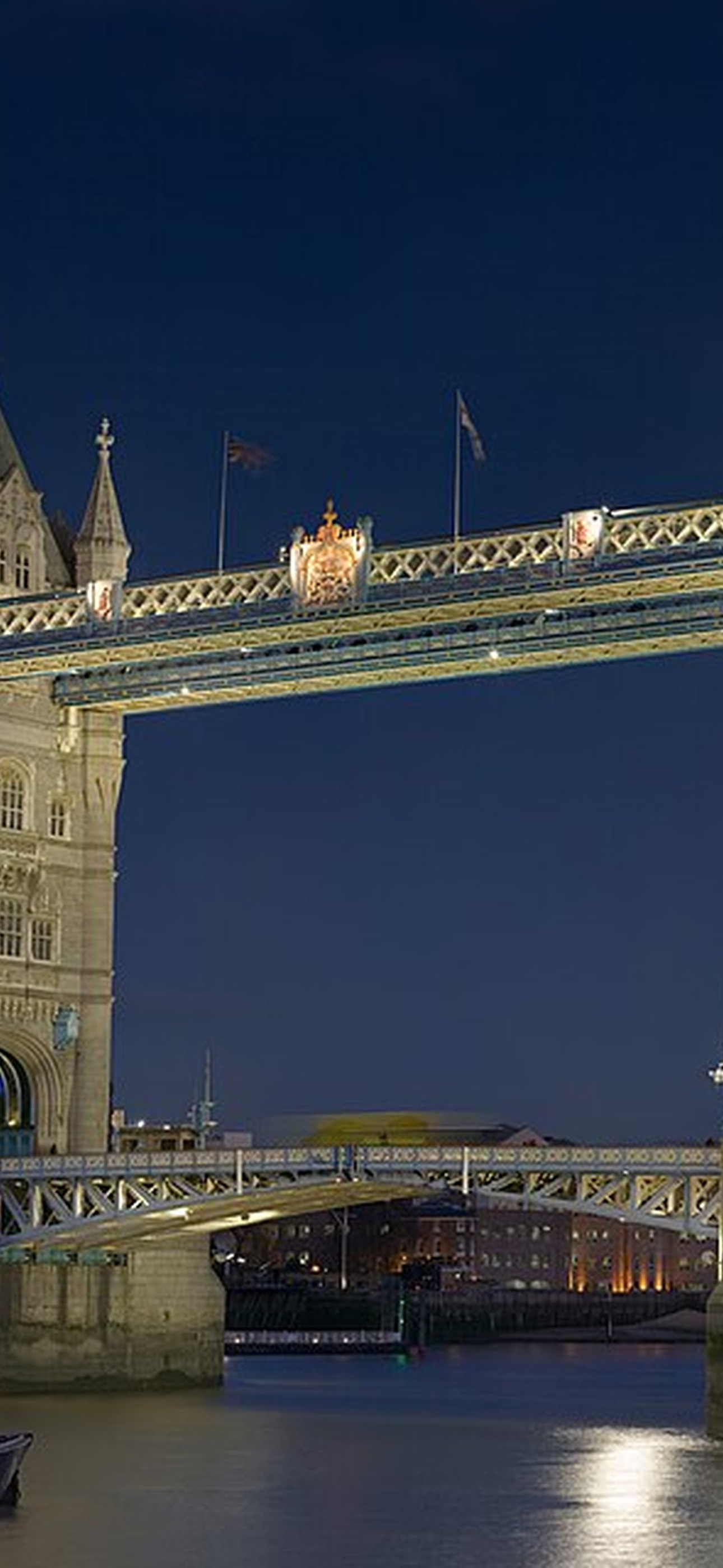
Spanning rivers and bays, these engineering marvels connect cities and inspire wonder. Save one to Photos, then use iOS Share to set it as your Lock Screen or Home Screen.
Wallpaper Pack
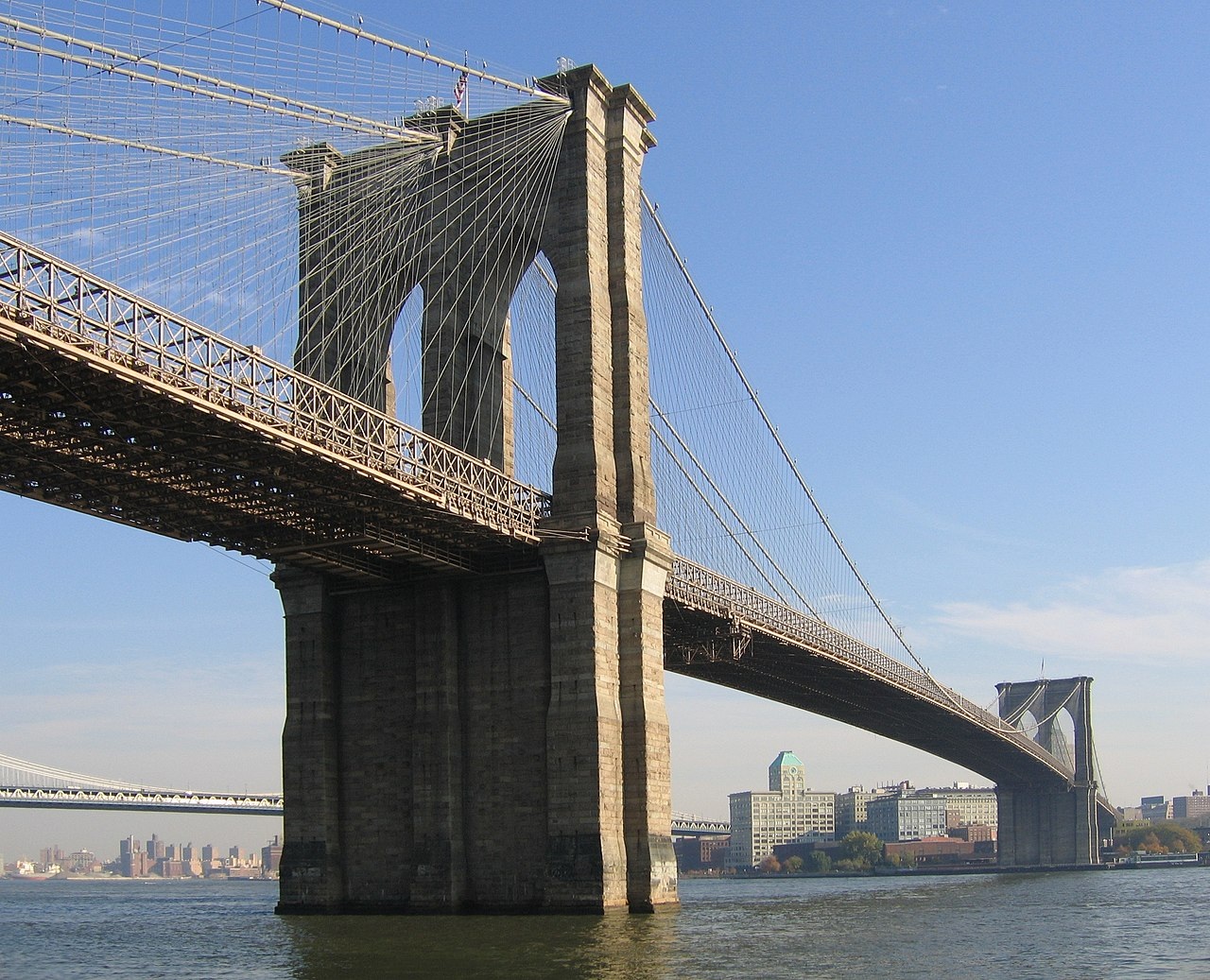







Open a wallpaper, then long-press or use the Share button to save the image to Photos. From Photos, tap Share, then choose Use as Wallpaper. iOS does not let third-party apps set Lock Screen wallpaper directly.